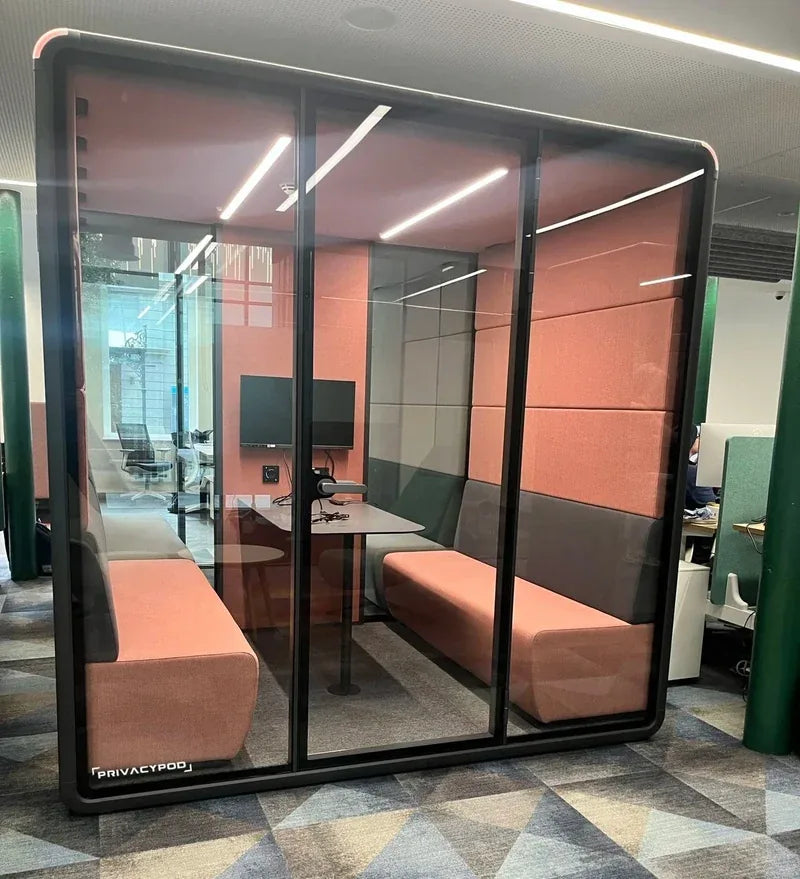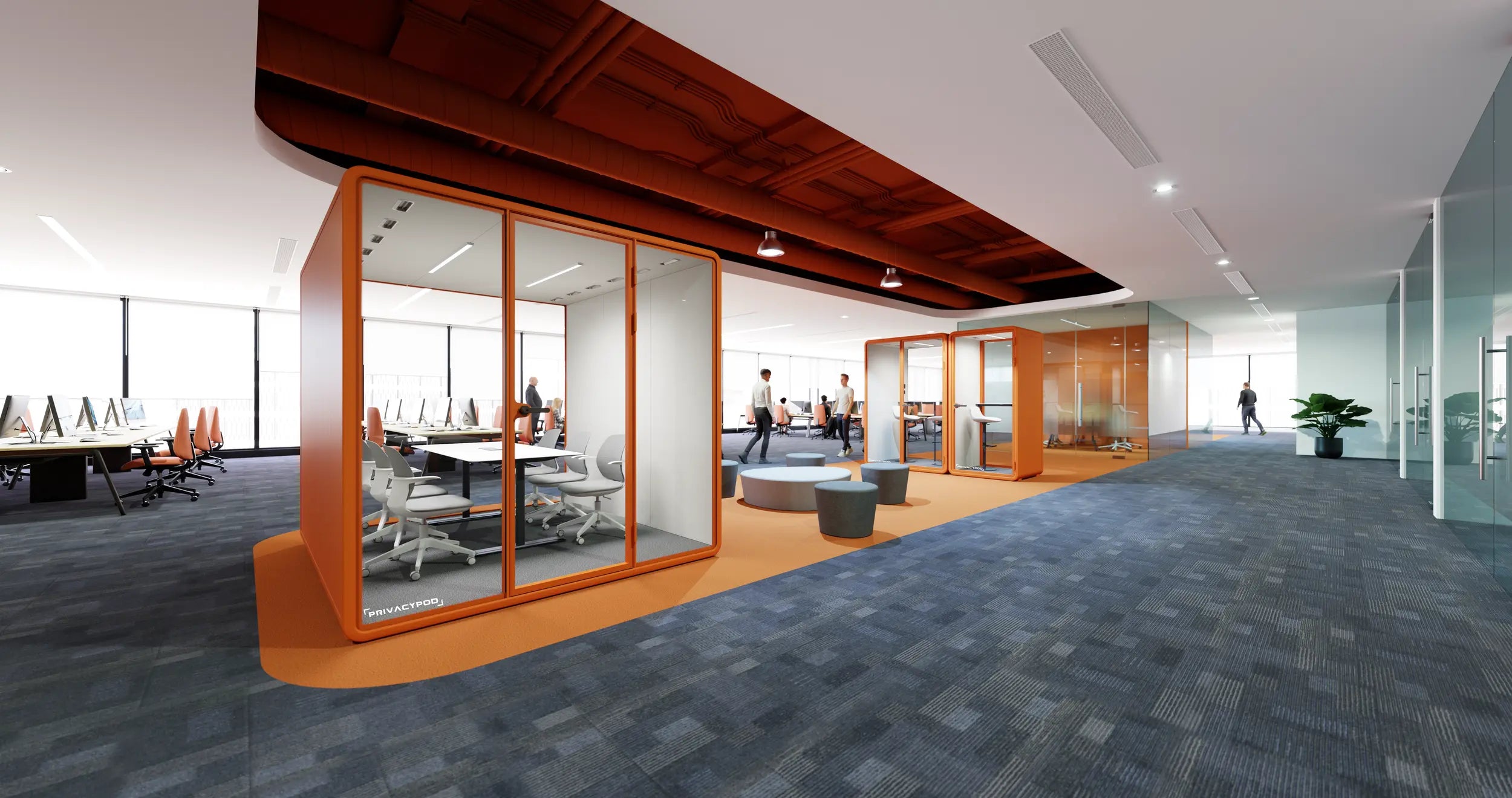
PrivacyPod meeting pods
Office meeting pods for 2 to 6 people.
PrivacyPod office meeting pods are certified conference rooms in 2, 4, and 6 person sizes: ISO 23351-1 Class A, about 30 dB of speech level reduction, no construction, free shipping, Quick-Ship 1 to 2 weeks.
- From $9,495
- Quick-Ship 1 to 2 weeks
- ISO 23351-1 Class A
- Seats 2 to 6
-
 Seats 2Quick-Ship
M Pod
Two seats, a desk, a door that closes.
Regular price $9,495Regular priceUnit price per$0Sale price $9,495 -
 Seats 2Quick-Ship
SL Pod
Two seats in a corridor-friendly footprint.
Regular price $10,995Regular priceUnit price per$0Sale price $10,995 -
 Seats 2Quick-Ship
Arc SL Pod
Curved two-seat meeting pod.
Regular price $10,995Regular priceUnit price per$0Sale price $10,995 -
 Seats 4Quick-Ship
L Pod
A meeting room without the drywall.
Regular price $12,495Regular priceUnit price per$0Sale price $12,495 -
 Seats 4Quick-Ship
L Pod Plus
Built-in seating and table, ready on day one.
Regular price $13,995Regular priceUnit price per$0Sale price $13,995 -
 Seats 4Quick-Ship
Arc L Pod
Curved four-seat meeting room.
Regular price $12,495Regular priceUnit price per$0Sale price $12,495 -
 Seats 4
L ADA Pod
Accessible four-seat meeting room.
Regular price From $24,795Regular priceUnit price per$0Sale price From $24,795 -
 Seats 6Quick-Ship
XL Pod
Six seats, no construction.
Regular price $14,995Regular priceUnit price per$0Sale price $14,995 -
 Seats 6
XL ADA Pod
Accessible six-seat conference room.
Regular price From $29,795Regular priceUnit price per$0Sale price From $29,795


The sizing question
How big is an office meeting pod?
PrivacyPod meeting pods, sometimes called conference pods, seat 2 to 6 people: 2-person pods for 1-on-1s and huddles, 4-person pods that replace a small conference room, and the 6-person XL for full team meetings. Every size is a freestanding room that plugs into a standard wall outlet and installs without construction.
The glass front keeps the room part of the floor; the certified shell keeps the meeting out of it. The footprint runs from 5.3 by 4.5 feet in the 2-person M Pod to 7.6 by 5.9 feet in the 4-person L Pod, with full dimensions on every product page.
The meeting room spec sheet
The capacity map
Every seat count, priced on the page.
Published 2026 list prices.
Free shipping on every order.
| Seats | Models | From |
|---|---|---|
| 2 people | M Pod, SL Pod, Arc SL Pod | $9,495 |
| 4 people | L Pod, L Pod Plus, Arc L Pod | $12,495 |
| 6 people | XL Pod | $14,995 |
| Accessible | L ADA Pod, XL ADA Pod | $24,795 |
Professional installation is quoted separately, from $1,250 per pod depending on model.
Built for the meeting
A room for every meeting on the calendar.
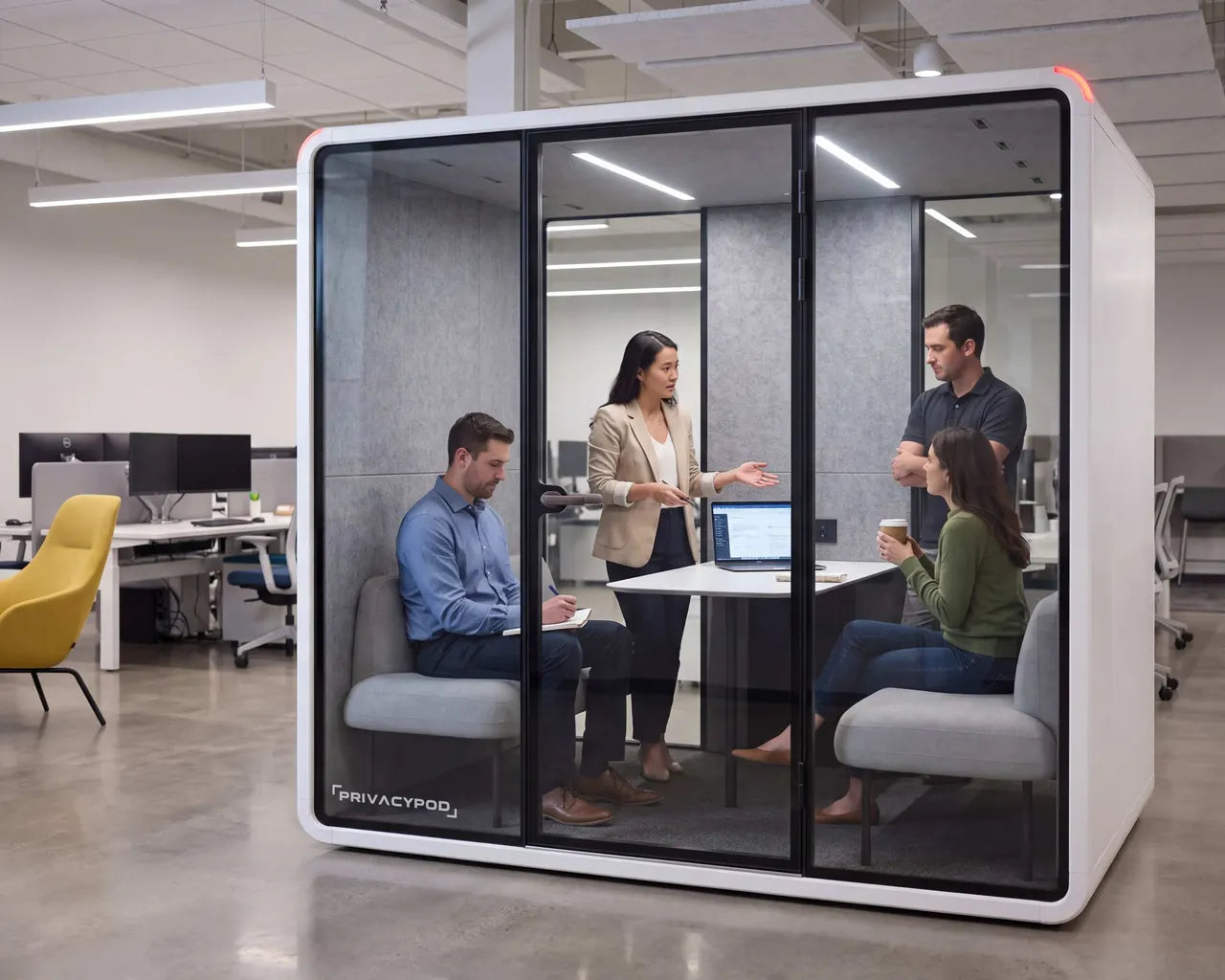
Four seats, zero booking wars.
Put a 4-person L Pod on the floor and the fight for the one good conference room ends. Walk in, plug in, talk it out.
L POD · SEATS 4 · $12,495 LIST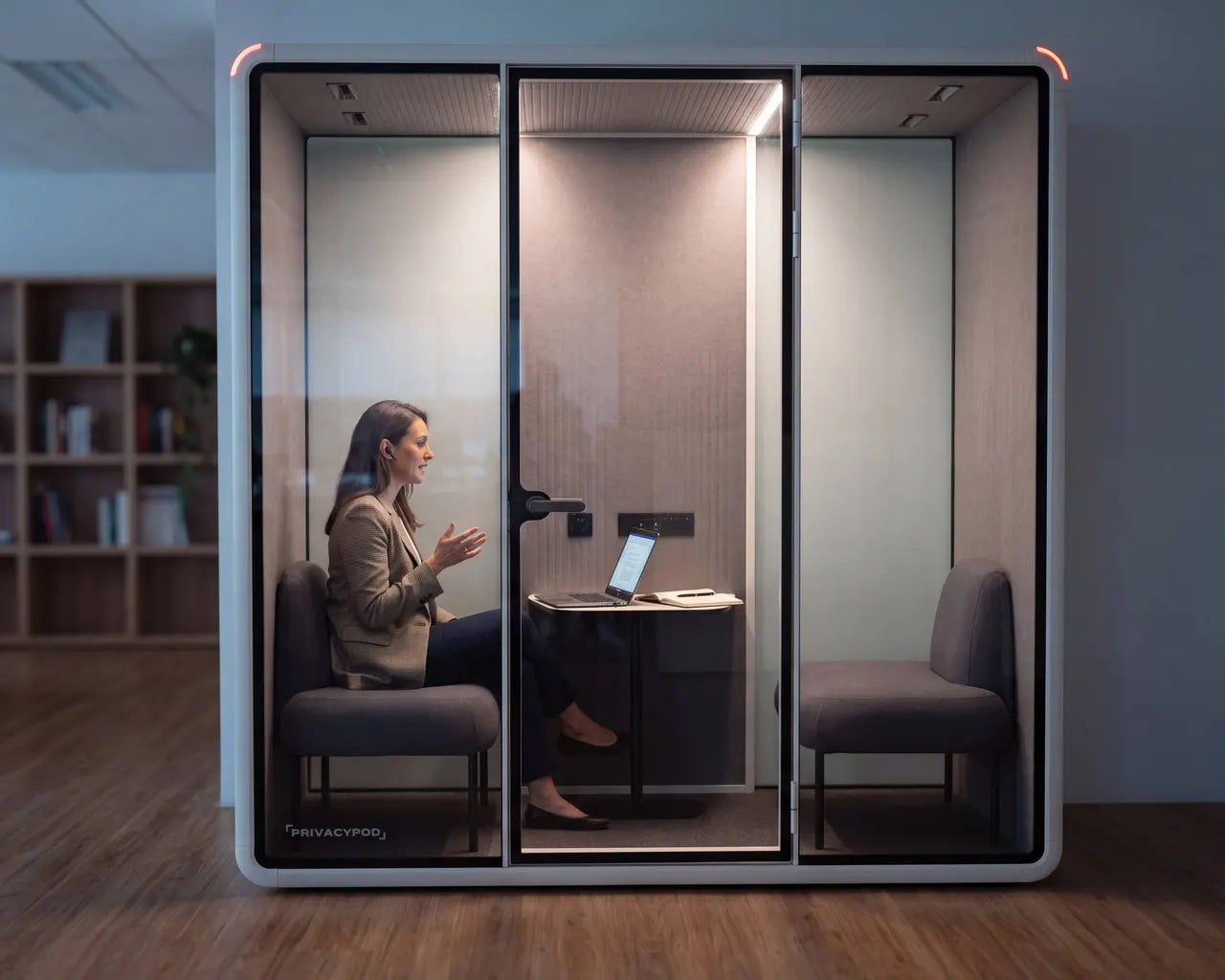
Remote hears a room, not an echo.
PET acoustic panels soak up the bounce, so the microphone gets voices, not reverb, and the far end stops asking you to repeat yourself.
RT60 0.25 S INTERIOR REVERBERATION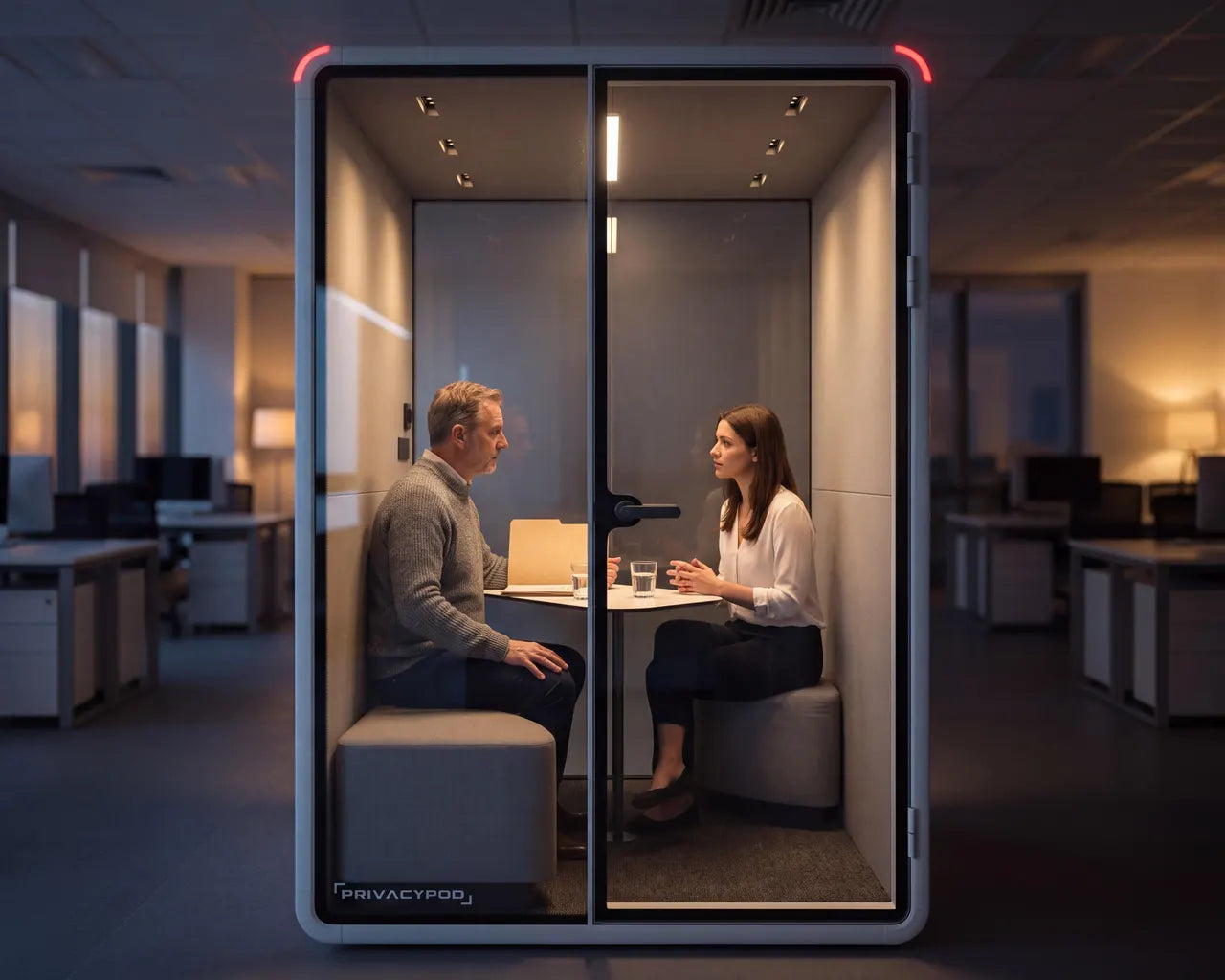
The hard conversation, handled.
Reviews, offers, and HR calls belong behind a certified shell, not a glass wall with a gap. The 2-person M Pod keeps it between the two of you.
M POD · SEATS 2 · $9,495 LISTThe conference build
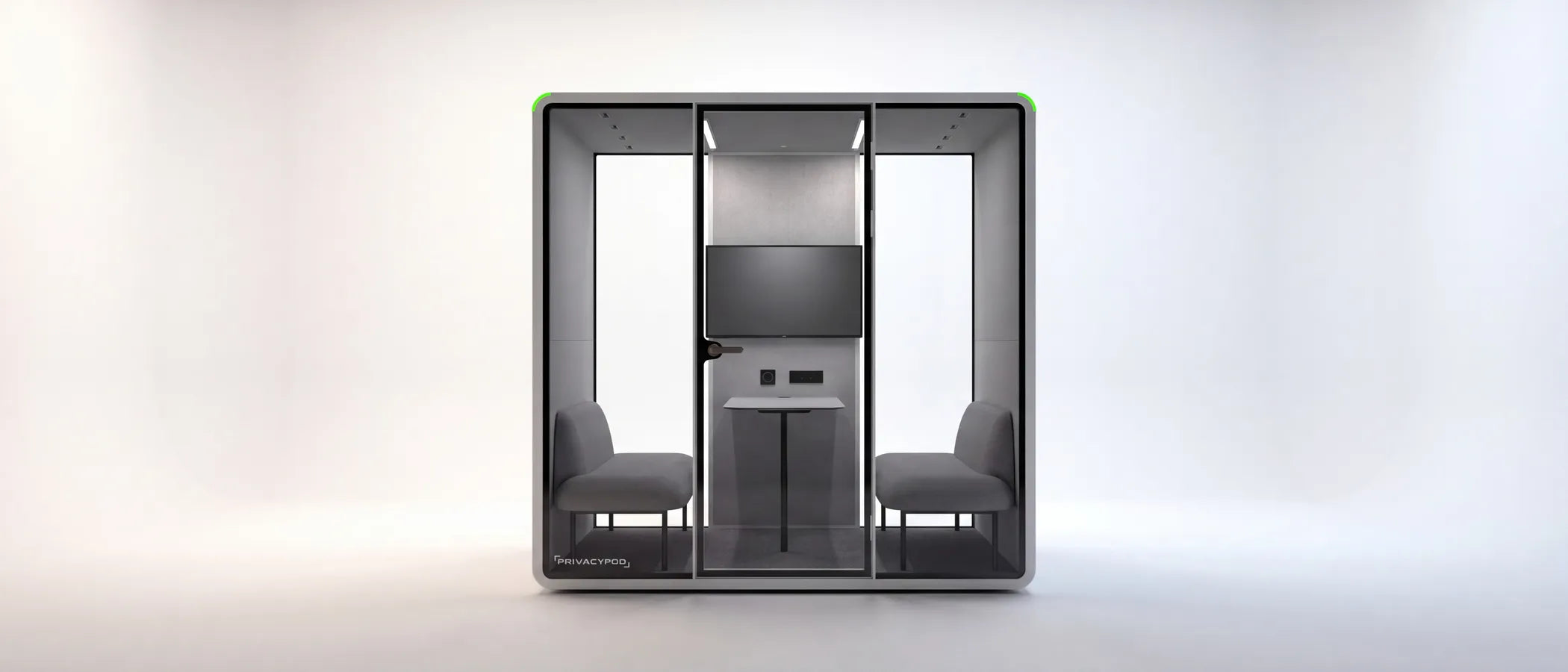
The standard kit
What comes standard in a meeting pod.
Included on every size.
2, 4, and 6 person.
Certified shell
~30 dB
ISO 23351-1 Class A speech level reduction. The meeting stays in the room.
Tuned for video
RT60 0.25 s
Interior reverberation low enough that the microphone hears voices, not the room.
Power at the table
AC + USB
Outlets plus USB-A and USB-C where the laptops sit. One cord to the wall.
Ventilation
Silent fans
Continuous fresh air with a full air change every 41 to 66 seconds, every size.
Every PrivacyPod meeting pod includes the certified shell, video-tuned interior acoustics, table power with USB-A and USB-C, silent ventilation, motion-activated adjustable LED lighting, and hidden casters. Optional Ethernet is available for wired floors.
Frequently asked
What meeting pod buyers ask first.
Capacity, video calls, cost, and install day.
Which meeting pod size do we need?
Match the pod to the meeting you actually run most: 2-person pods (M, SL, Arc SL) for 1-on-1s and huddle-room duty, 4-person pods (L, L Pod Plus, Arc L) for the standing team meeting, and the 6-person XL when the whole group sits down together. If your calendar runs on 1-on-1s, start with a 2-person pod and add capacity where bookings pile up.
Are meeting pods good for video conferencing?
Yes, and this is where the interior numbers matter: an RT60 of 0.25 seconds keeps reverberation low so remote attendees hear voices, not room echo, while approximately 30 dB of certified speech level reduction keeps the floor's noise out of the call. Power at the table keeps laptops and screens running all day.
How much does an office meeting pod cost?
Published list prices start at $9,495 for the 2-person M Pod, $12,495 for the 4-person L Pod, and $14,995 for the 6-person XL Pod, with free shipping to the continental US. Accessible L ADA and XL ADA models start from $24,795. Installation is quoted separately, from $1,250 per pod.
Do meeting pods need construction or a permit?
No. A meeting pod is freestanding furniture: it plugs into a standard wall outlet, a 2 to 3 person crew assembles it in roughly 5 to 6 hours, and the floor around it stays open the whole time. When the office reorganizes, the room moves instead of being demolished.
How fast can meeting pods be delivered and installed?
Shipping is free on every order. Quick-Ship pods deliver in 1 to 2 weeks from order confirmation, covering the standard sizes in White with Ash interior and the Arc Series in Haze. Made-to-Order configurations with custom finishes deliver in 9 to 11 weeks.
Meeting pod or building another conference room?
A built conference room takes a contractor, a permit, and weeks of disruption, and it never moves again. A pod arrives in weeks, installs in a day, carries an acoustic certification a built room cannot even be tested for, and relocates when the floor plan changes. For the price comparison across brands, see the office pod comparison page.
Before you choose
What a meeting pod replaces, and what it costs.
A meeting pod is bought against a built conference room. Both numbers are published here.
Plan the floor
Send us your floor plan.
Share a floor plan or a simple sketch plus your meeting patterns, and our team sends back a right-sized mix, a placement layout, a lead time, and a quote.